
Mid-Year Check-In: Is Your Drive Thru Tech Ready for the Back Half of 2026?
By Paige Hammerschmidt • July 10, 2026 • 4 minute read
Crews get good at working around problems: the headset with static, the battery that won't last a shift, the cracked ear cup nobody reported. This printable checklist helps managers find those quiet issues across audio, timing, equipment and training, and fix them before they grow.
Share
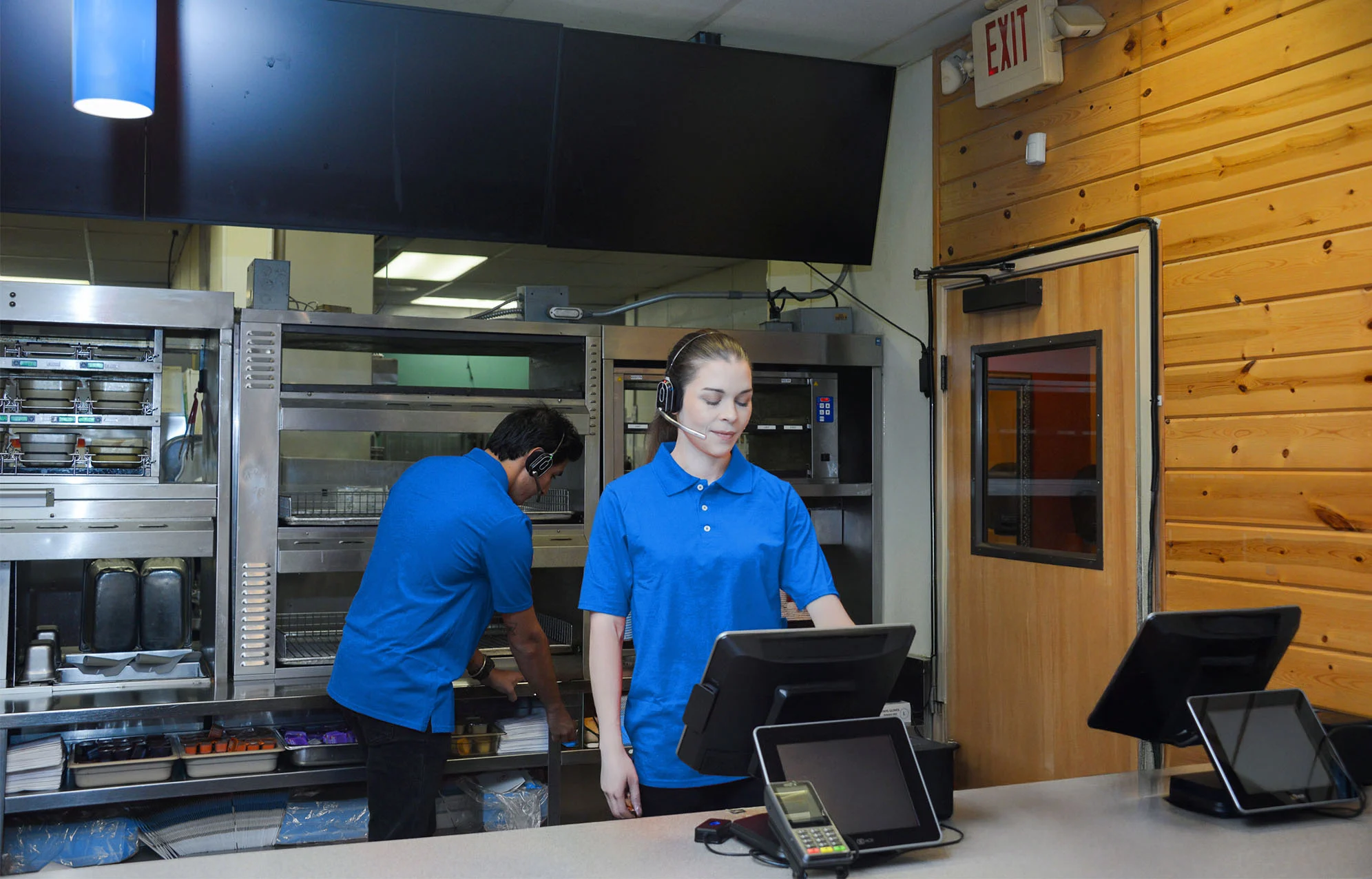
We’re past the halfway point of 2026, which makes it a natural moment to pause and take stock. Just like a business reviews its budget or its staffing plan at mid-year, it’s worth doing the same with your drive thru technology. Communication, timing, and equipment are the systems that shape every single guest interaction, and small issues in any of them tend to hide in plain sight because crews quietly work around them day to day.
Below is a practical checklist you can walk through with your team, category by category. Print it, share it at your next manager meeting, or use it as a starting point for a broader operations review.
Communication & Audio Clarity
- ☐ Sit in on a real shift and listen. Not a quiet moment between rushes, an actual busy stretch. That’s when static, dropped audio, and background noise show up most.
- ☐ Ask your crew directly if guests are regularly asked to repeat themselves. This is often the clearest sign of an audio problem, and it’s one crews rarely report on their own because they’ve learned to work around it.
- ☐ Check headset range across your full lot layout, including any secondary lanes, patio areas, or overflow parking where a crew member might need to step outside the building.
- ☐ Confirm your current system is still meeting the bar you expect. Platforms like NEXEO are built to deliver clear, consistent digital audio, and a mid-year check is a good time to verify your equipment is performing the way it should.
Timing & Speed of Service Data
- ☐ Confirm your timer captures the full visit, not just part of it. A number that starts partway through the lane will always undercount the guest’s actual experience.
- ☐ Break total time down by segment: wait to the speaker, time spent ordering, and wait at the window. A single blended number can hide exactly where the real delay is happening.
- ☐ Review any recent staffing or process changes and confirm they were based on accurate, segment-level data rather than a single average that might be misleading.
- ☐ Compare your current numbers to your own baseline from earlier this year, not just to industry benchmarks, to see whether things are trending in the right direction.
Equipment & Hardware Reliability
- ☐ Check battery health across every headset and base station. Batteries degrade gradually, and a headset that dies mid-shift is often the last stage of a problem that’s been building for a while.
- ☐ Physically inspect headsets for wear, cracked ear cups, frayed cords, loose connections, since these are easy for a crew to work around quietly instead of reporting.
- ☐ Ask managers what equipment complaints come up most often. Recurring complaints are usually a signal that a piece of hardware needs replacing rather than another quick fix.
- ☐ Confirm you have a plan for fast equipment replacement, whether that’s spares on-site or a clear process for getting a repair or swap handled quickly.
Staffing & Onboarding
- ☐ Time how long it actually takes a new hire to get comfortable with your headset system. If it’s taking longer than it should, the technology itself may be part of the problem.
- ☐ Ask a few recent hires what was confusing about training on your current systems. Frontline feedback often surfaces friction that managers don’t see.
- ☐ Confirm training time isn’t being eaten up by troubleshooting equipment rather than teaching the menu and guest service basics.
- ☐ Revisit your training materials to make sure they reflect your current equipment and processes, not an outdated version of your setup.
Let the Data Confirm What You Suspect
The 25th Annual Intouch Insight Drive Thru Study offers a useful benchmark for this kind of review. It found that clear speaker audio shaved 54 seconds off the average interaction, and that guests who didn’t have to repeat their order saved a full minute and 25 seconds compared to those who did. If your mid-year audit turns up gaps in communication or timing, those numbers are a good reminder of exactly how much is riding on getting the basics right.
Putting the Checklist to Work
A mid-year check-in doesn’t need to be complicated. Walk through each category above with your management team, flag anything that didn’t get a checkmark, and prioritize fixes before those small issues turn into bigger ones. None of this requires predicting what the rest of the year holds. It just requires taking a closer, honest look at what’s already in place.
Contact an HME representative today for a straightforward read on where your drive thru technology stands today and what it would take to strengthen it.
Share

Paige Hammerschmidt
Digital Marketing Coordinator, HME
